A polished headshot in two minutes.
Upload one to three reference photos, pick a scene, and get three on-brand variants tailored for LinkedIn, resumes, and company profiles. Output sized for the surface. No manual cropping.
Identity stays steady. The world changes.
Three packages, one face. The model swaps the room and the wardrobe, never your features.
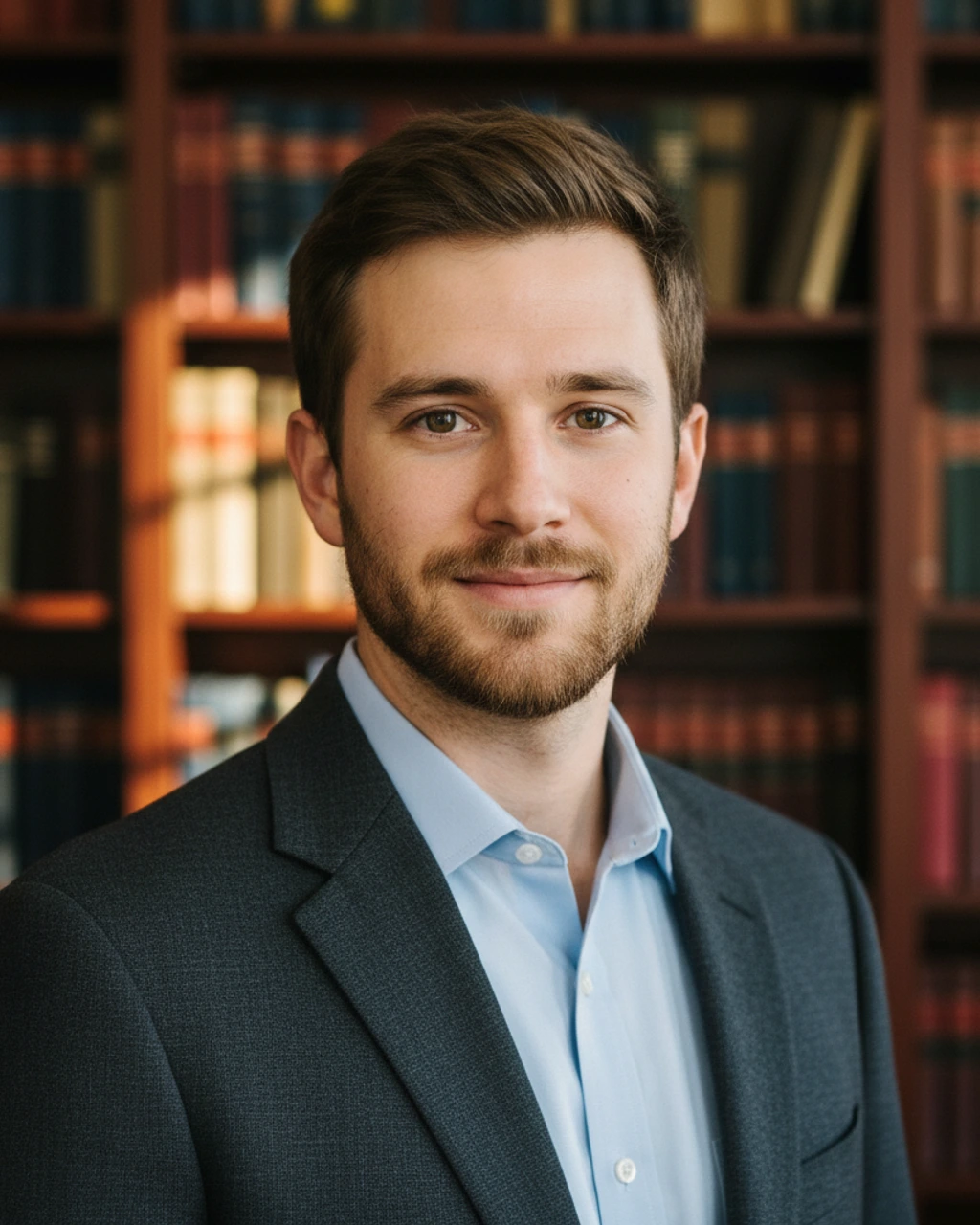
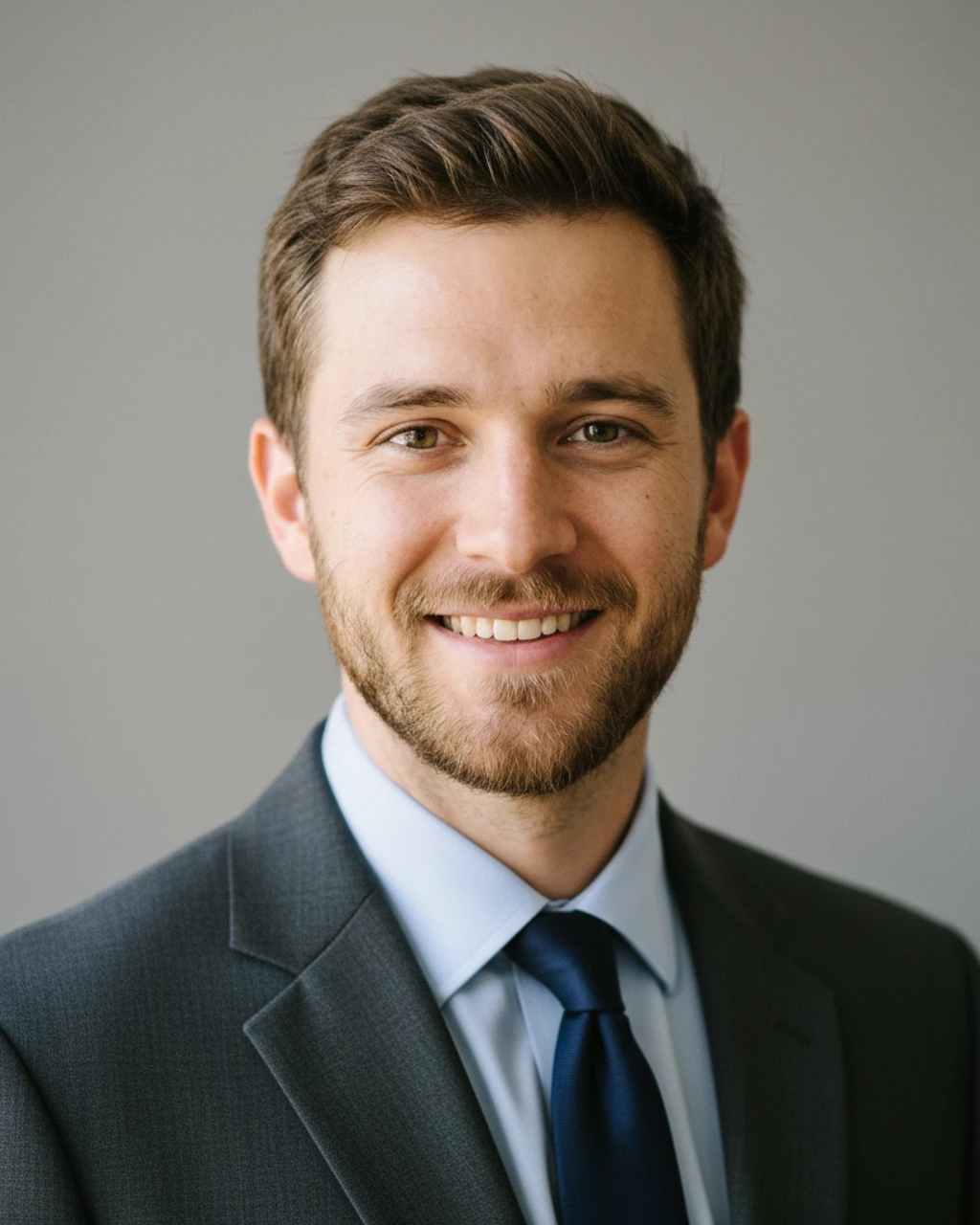
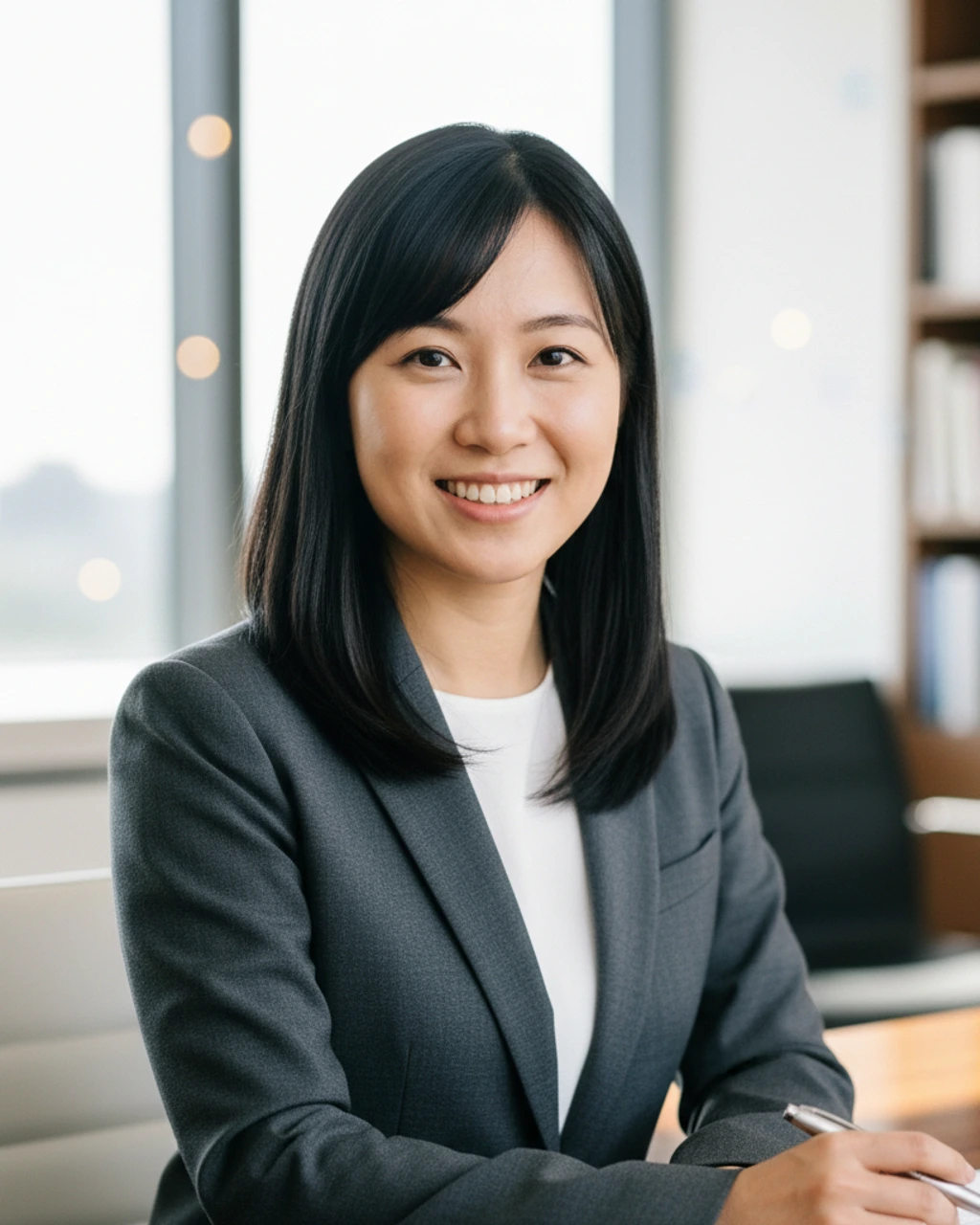
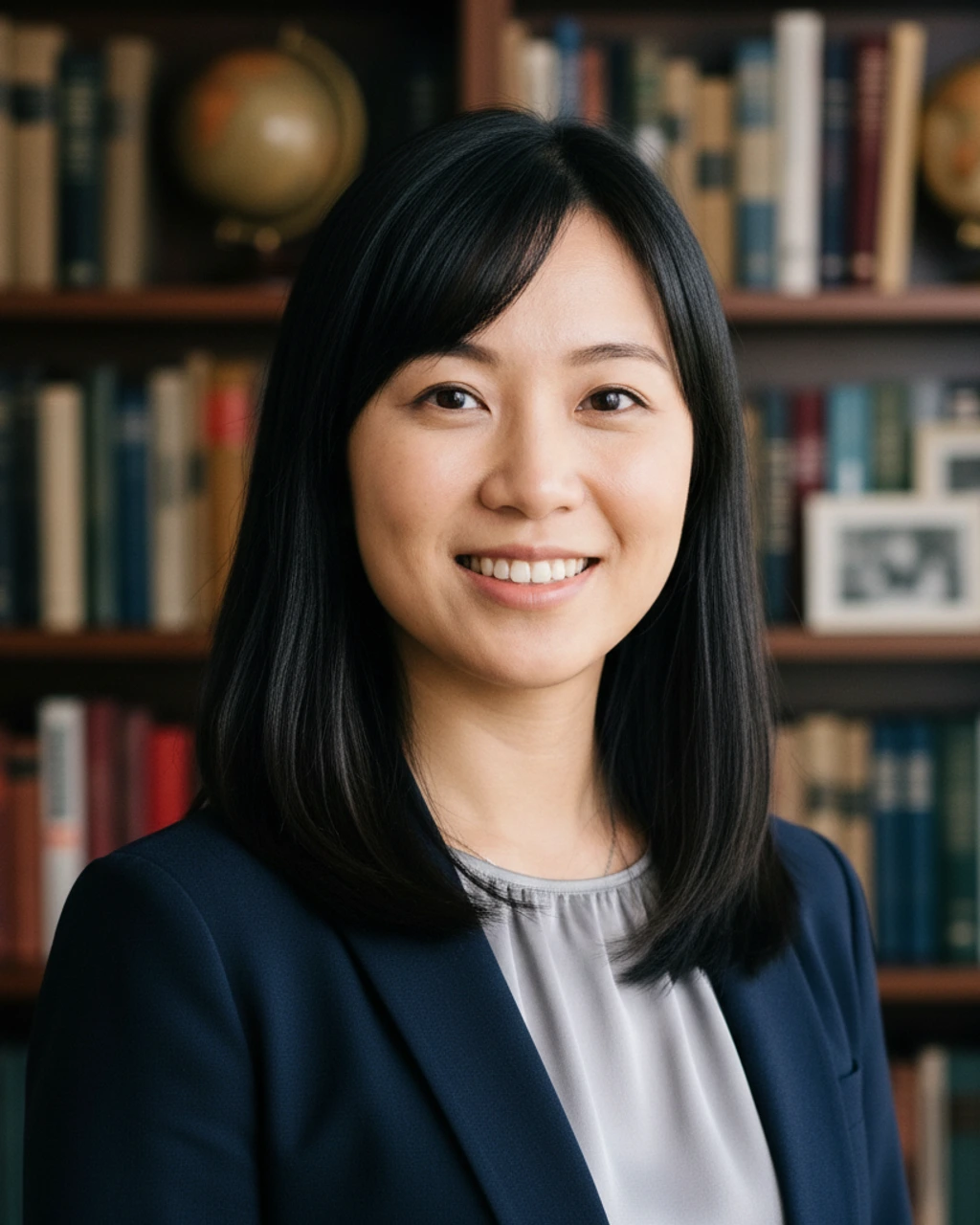
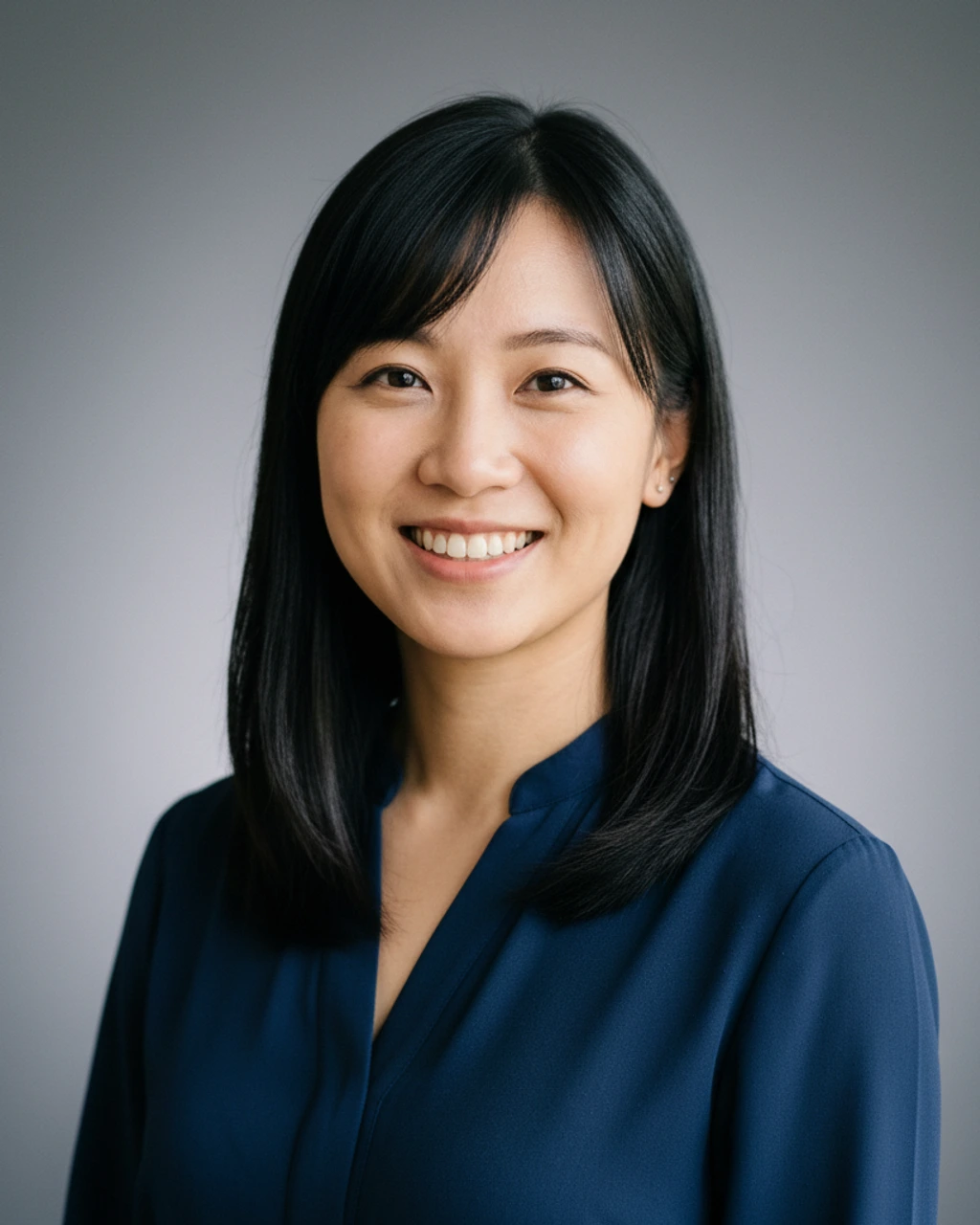
Your reference photo, transported.
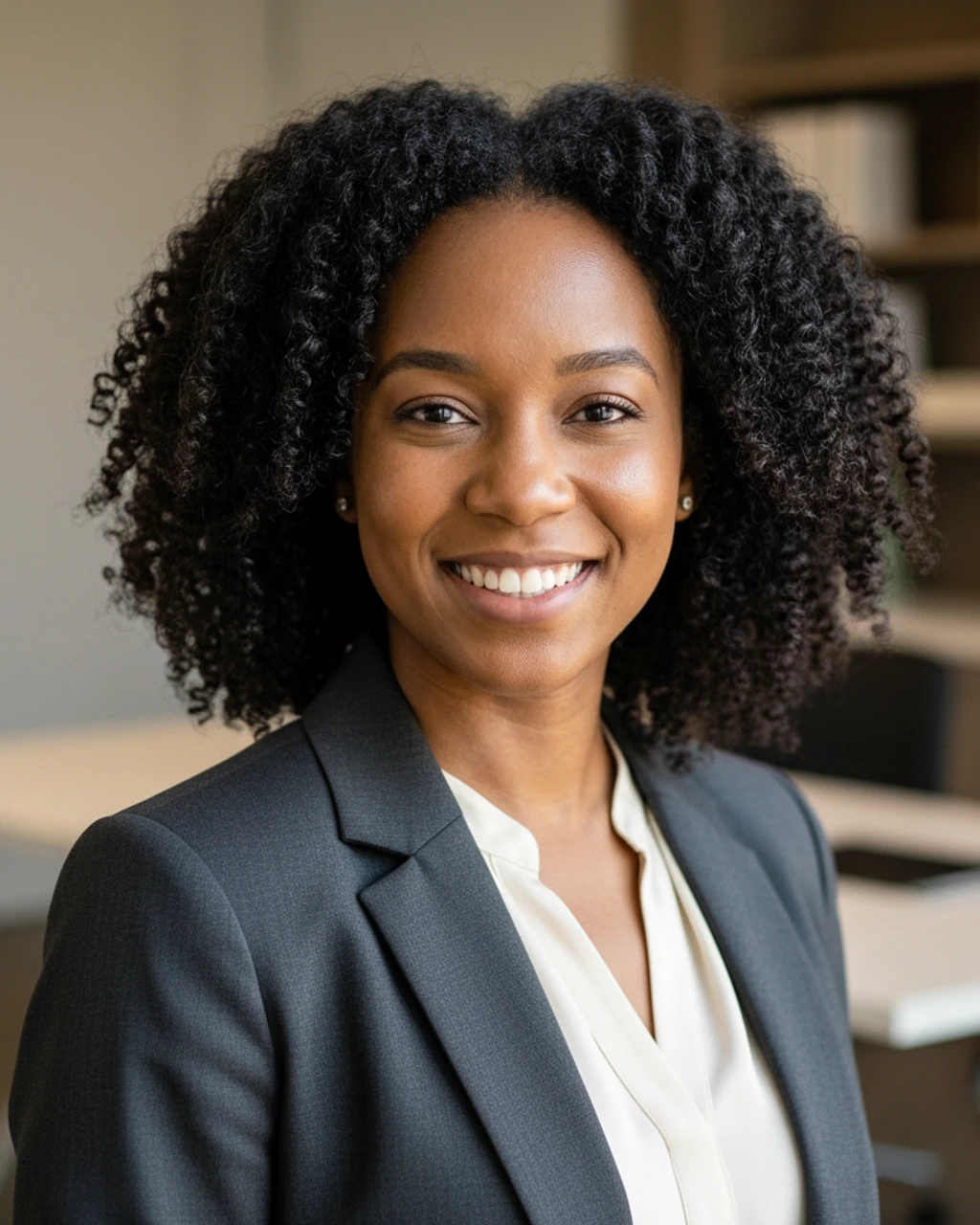
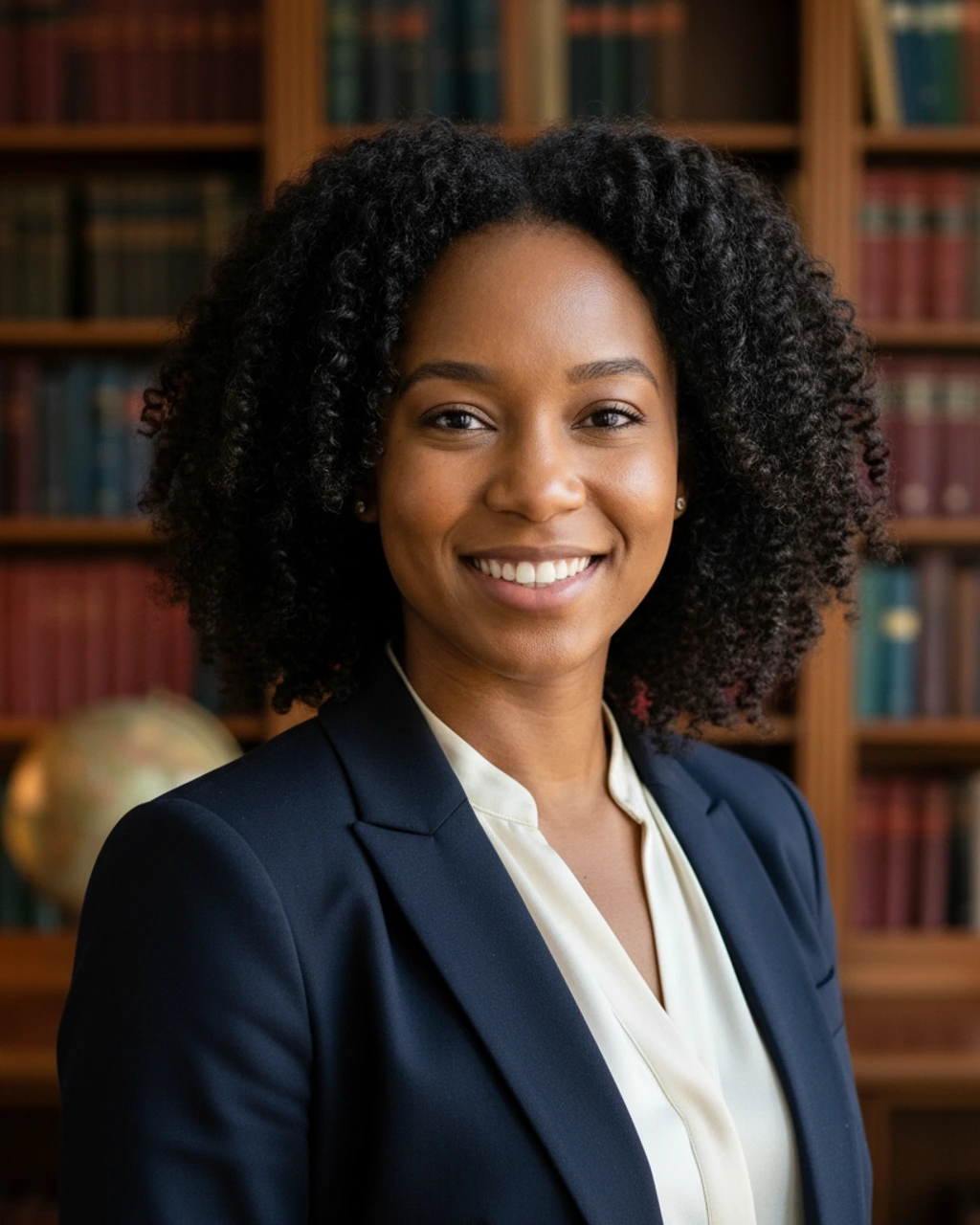
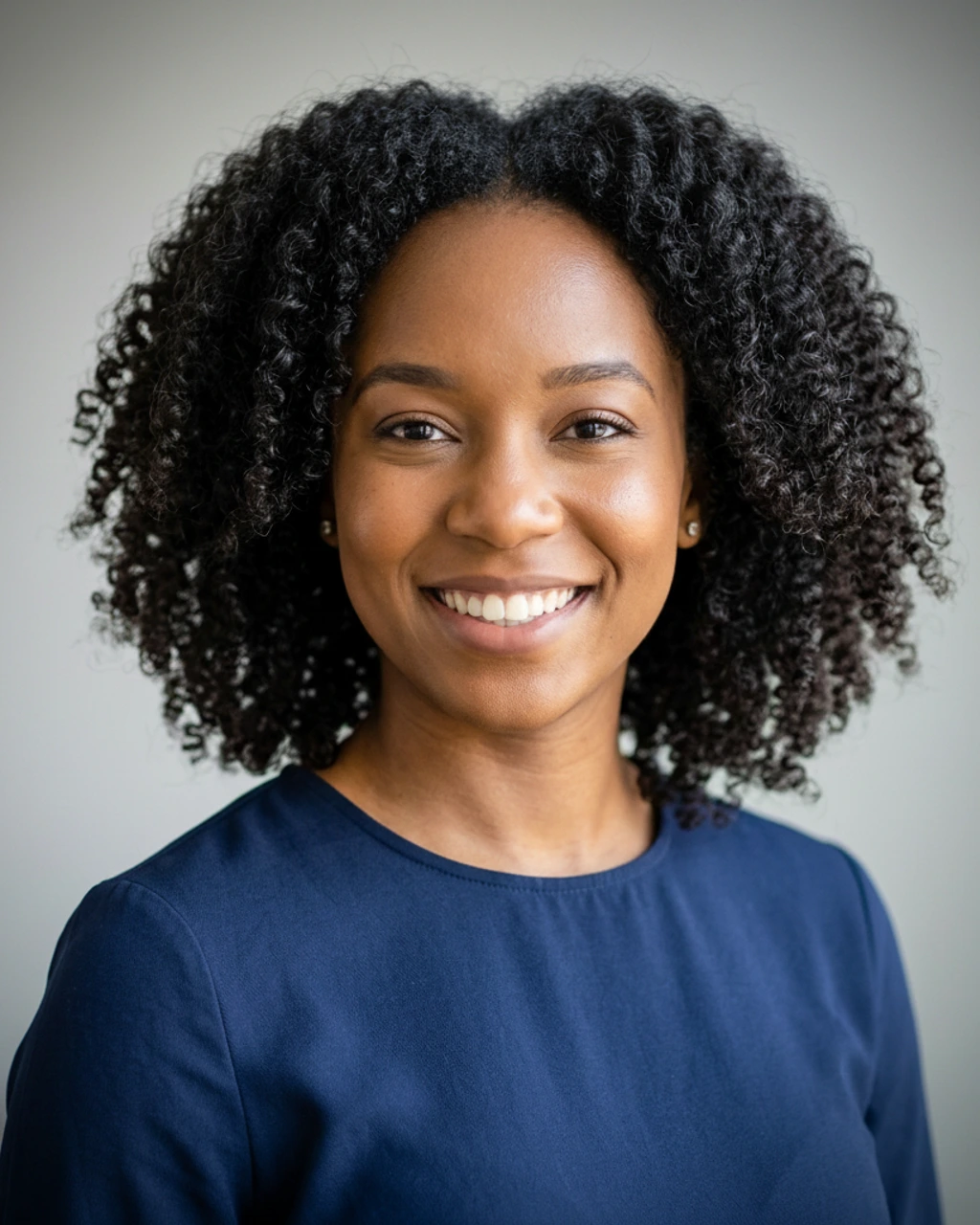
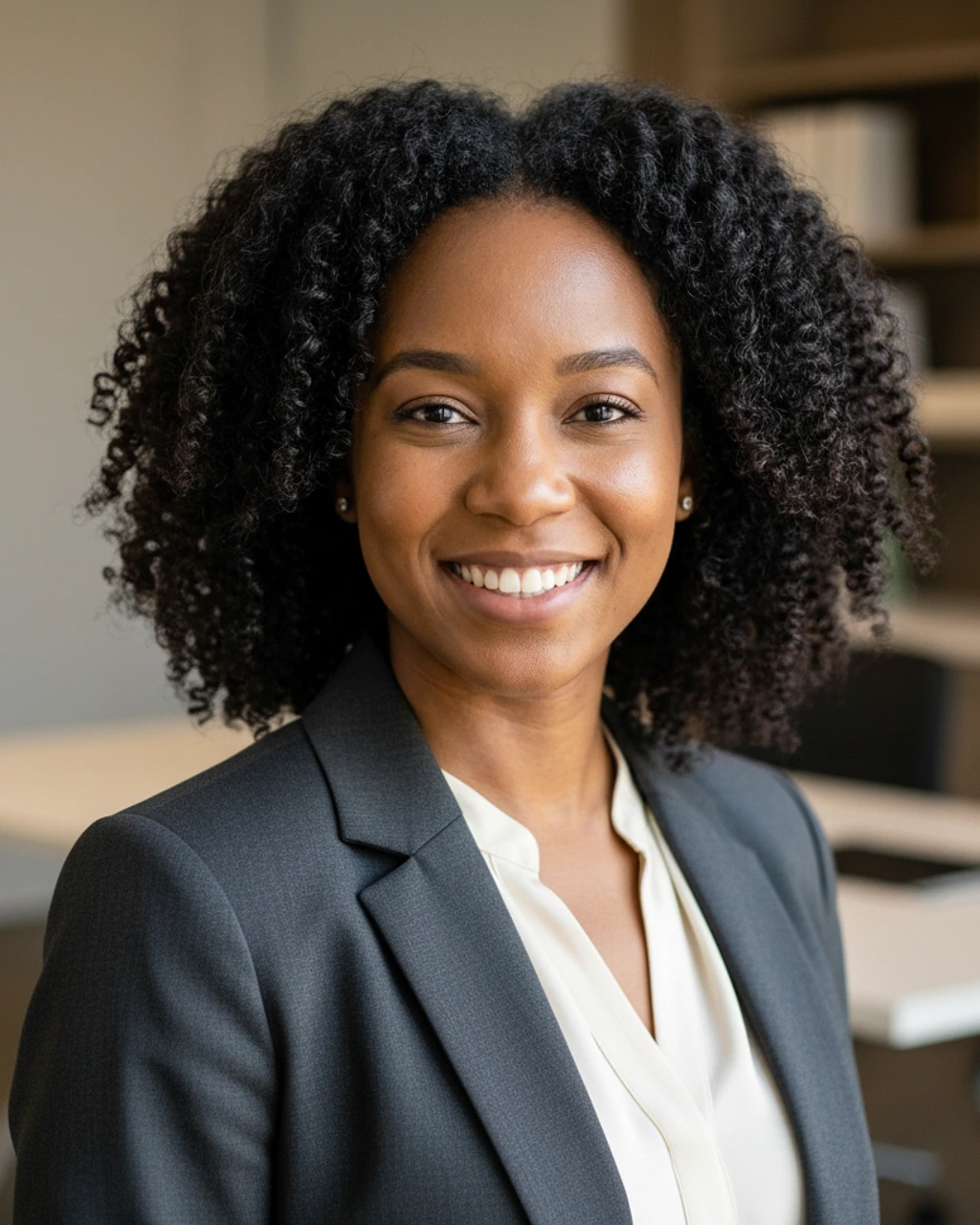
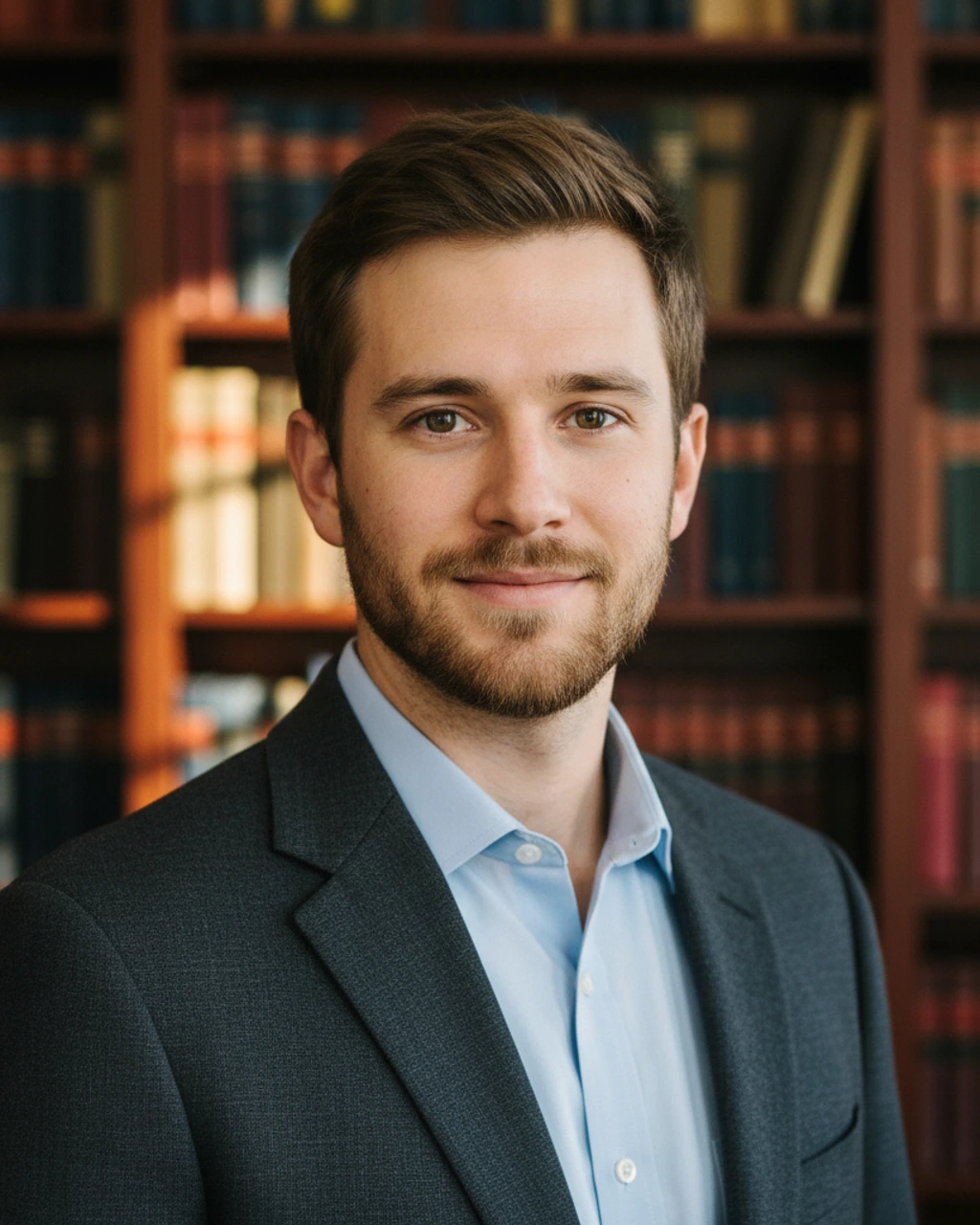
Drag to compare. The same starting shot becomes whichever scene you pick: Office, Bookshelf, or Studio.
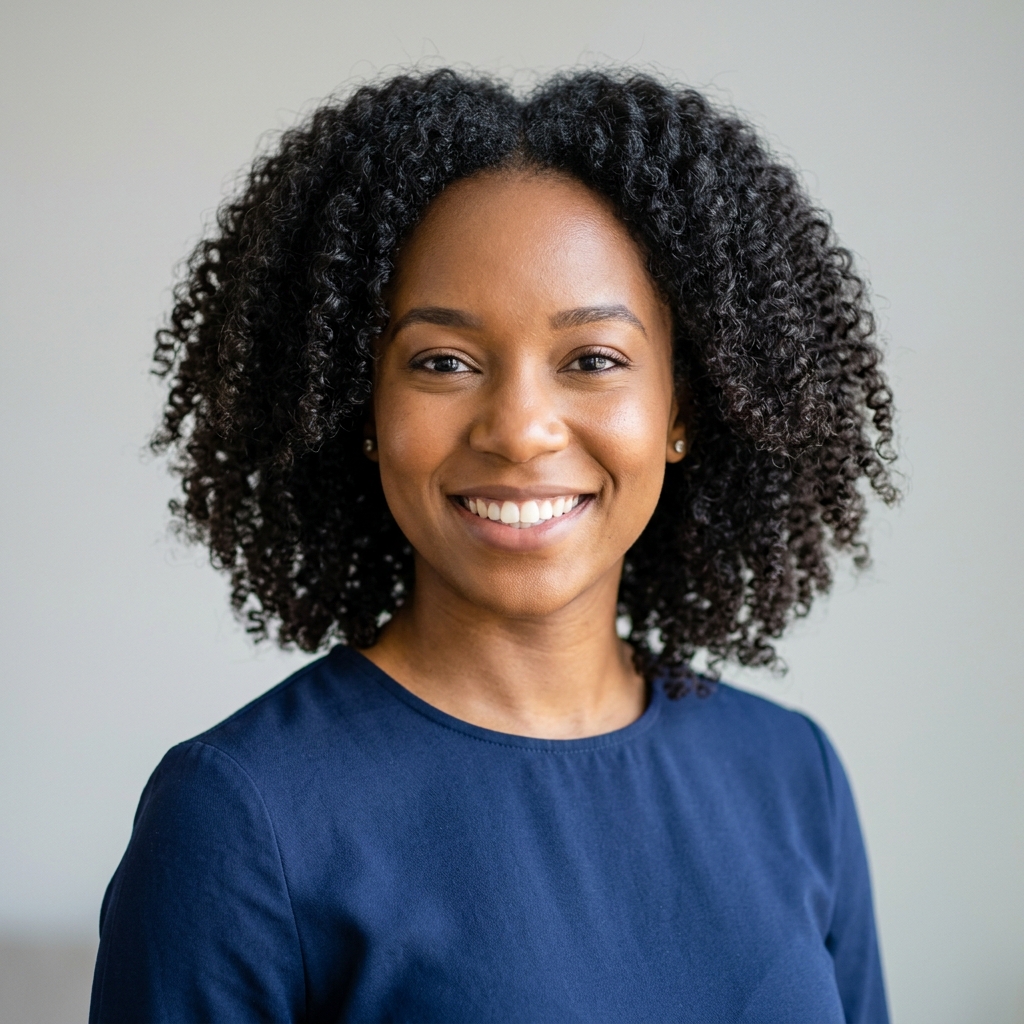 YOUR PHOTO
OFFICE PROFESSIONAL
YOUR PHOTO
OFFICE PROFESSIONAL
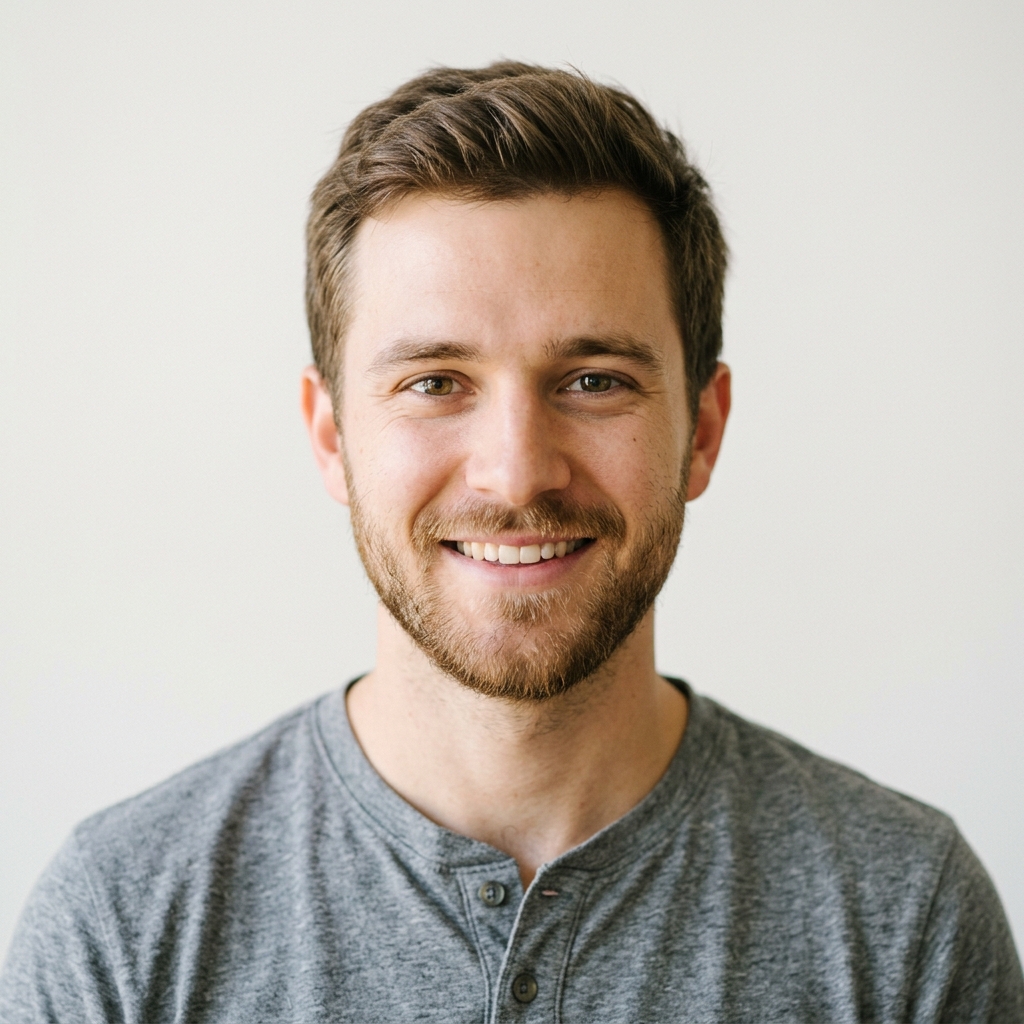 YOUR PHOTO
SCHOLARLY BOOKSHELF
YOUR PHOTO
SCHOLARLY BOOKSHELF
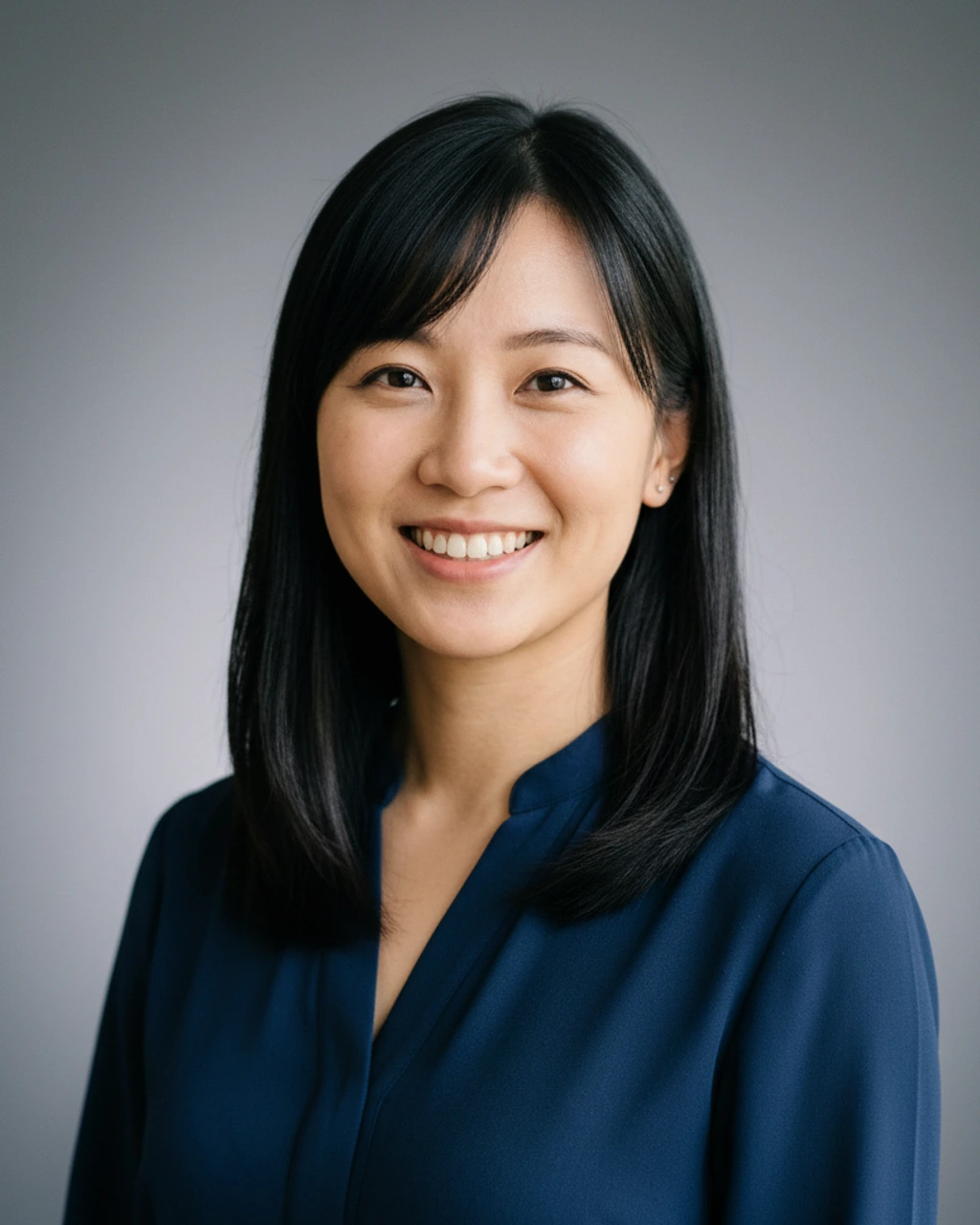
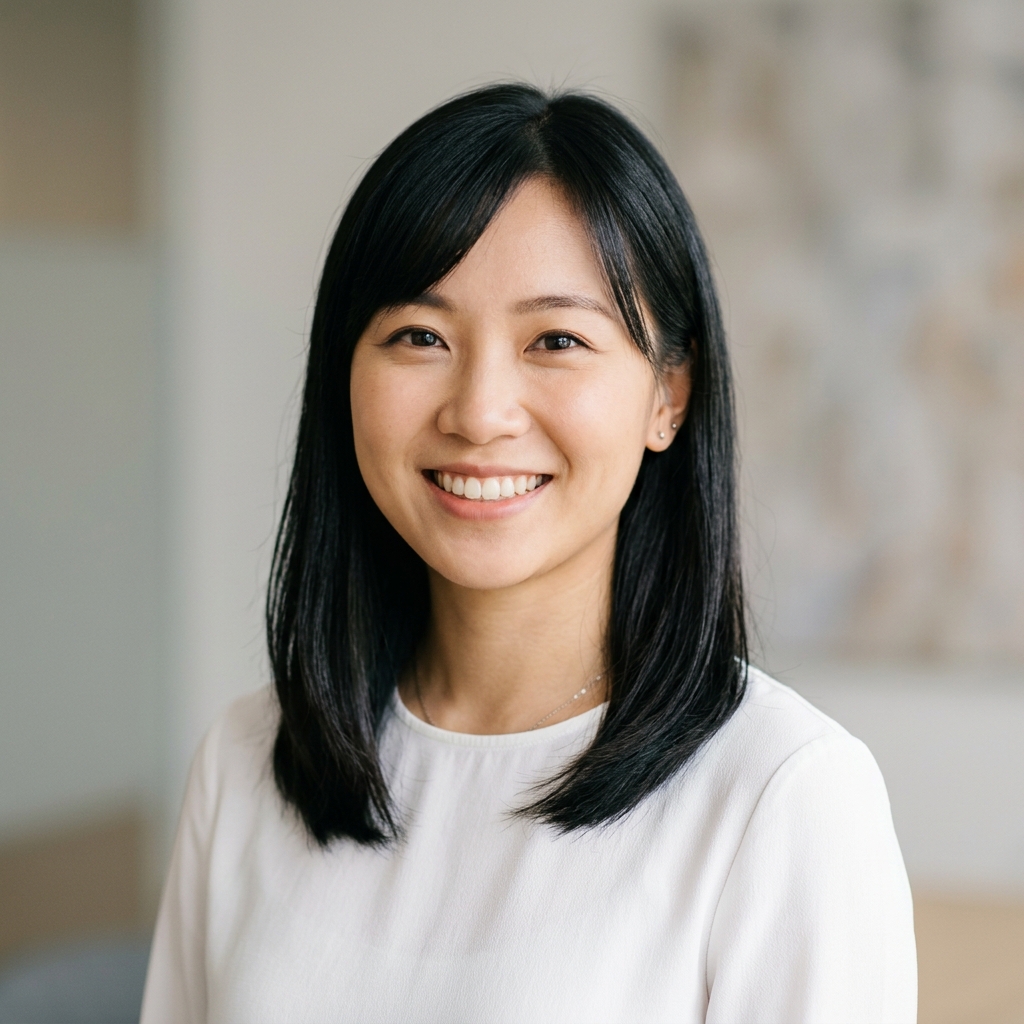 YOUR PHOTO
NEUTRAL STUDIO
YOUR PHOTO
NEUTRAL STUDIO
Nine scenes. Three packages. All from one upload.
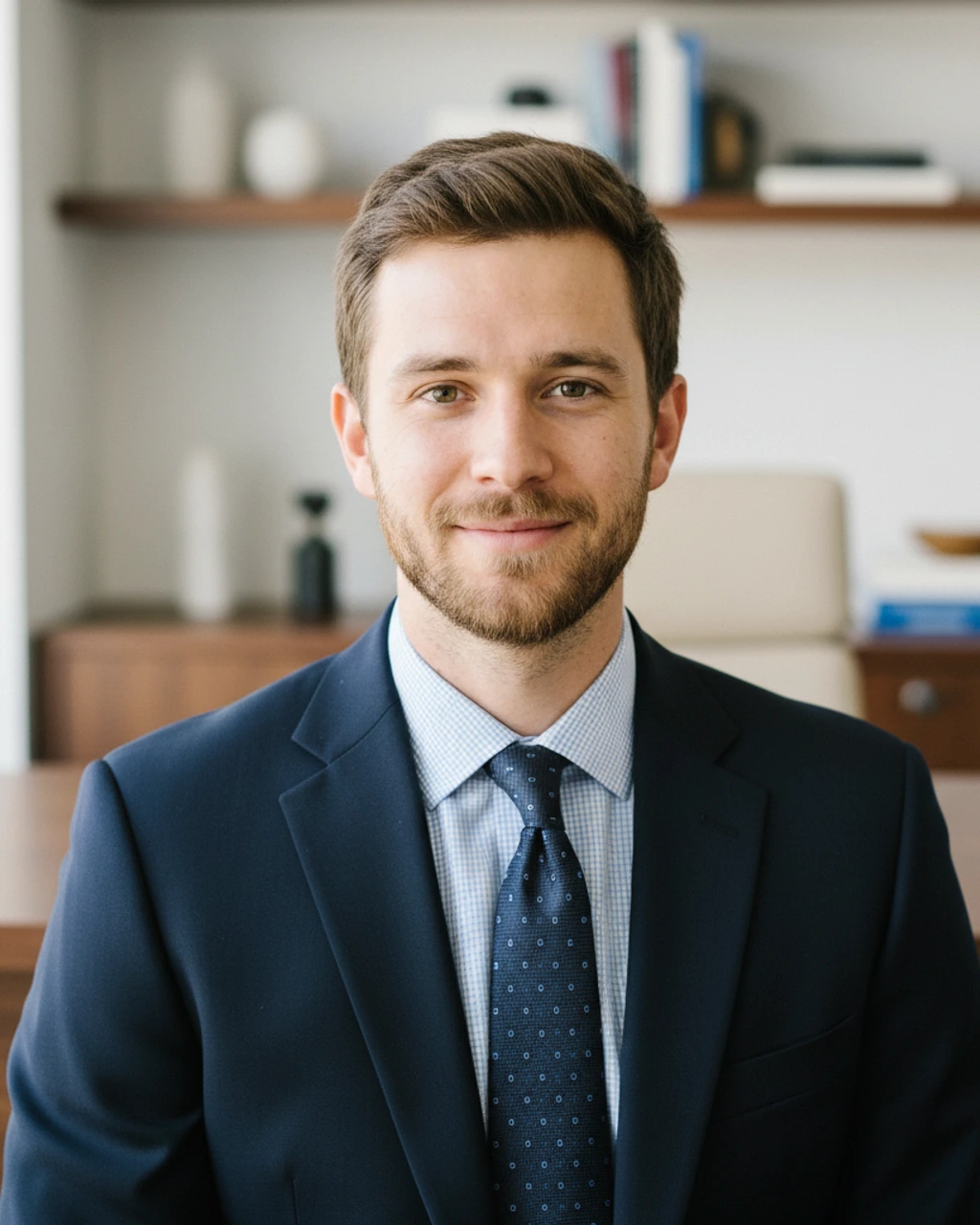
Real outputs from the generator. Click any tile to see the full image.
Sized for every surface. Auto-cropped, no fiddling.
Each generation produces three perfectly-sized derivatives: drop them straight into LinkedIn, your CV, or anywhere else.
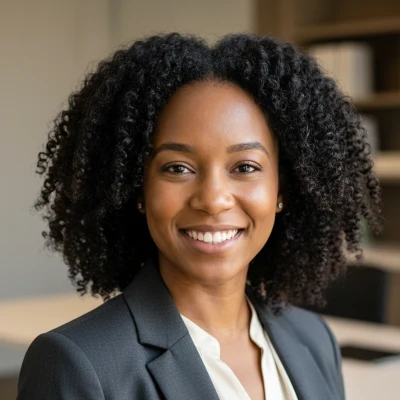
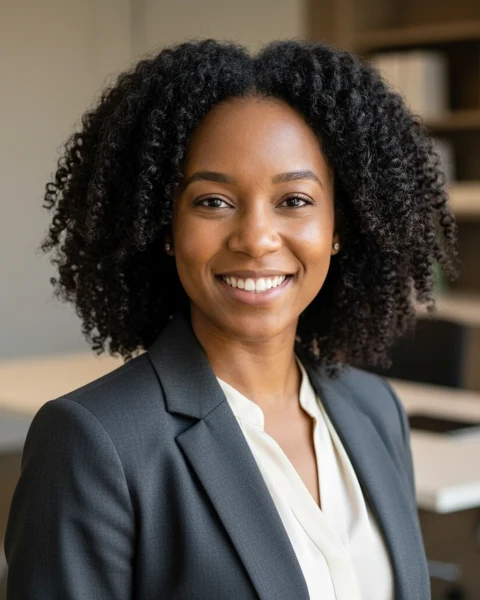
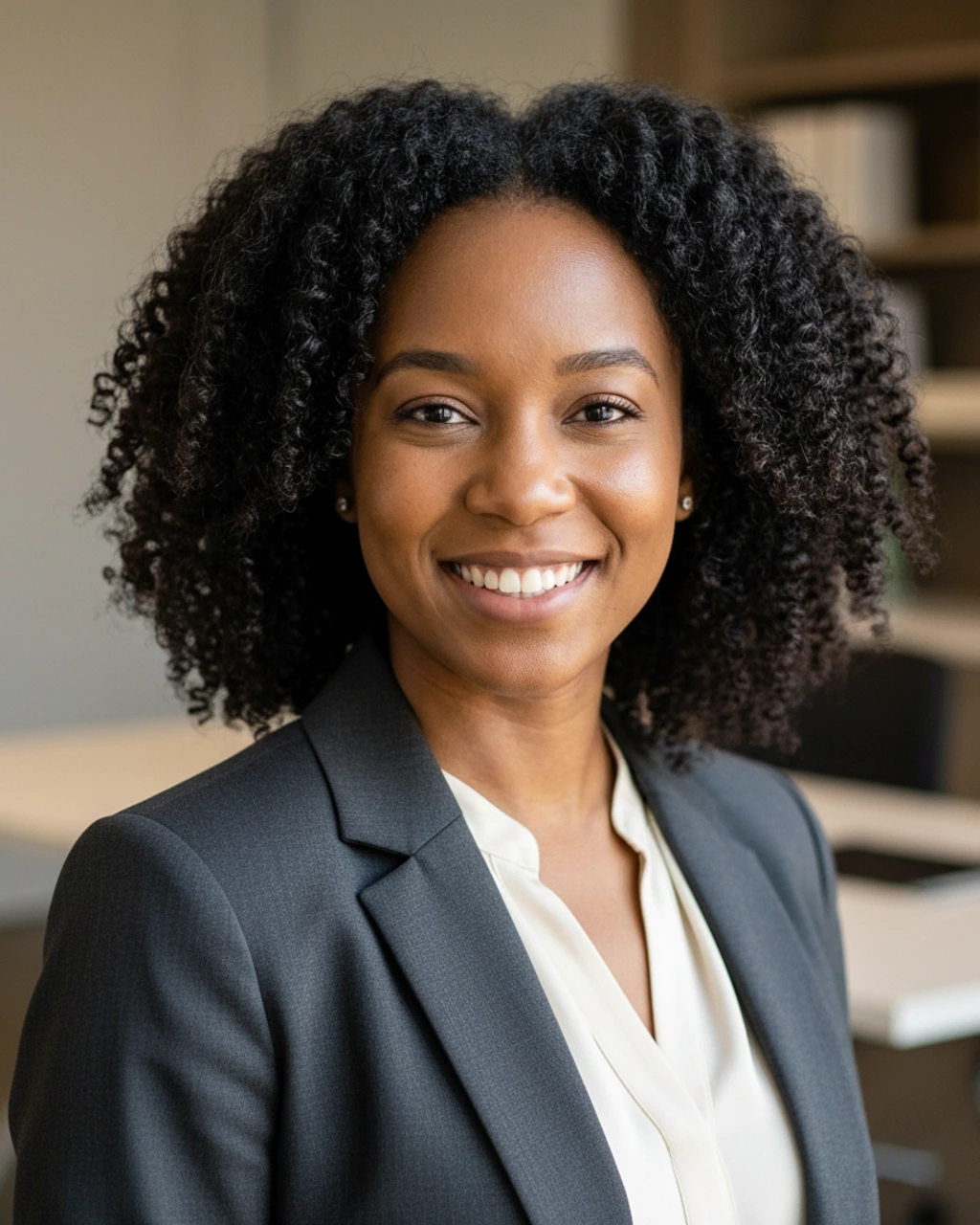
All three derived from a single generation: no manual cropping, no Photoshop.
Everything else, briefly.
If your question isn't here, the tool itself answers most of them in under a minute.
-
Is the AI Headshot Generator free?
Your first generation is free and produces three on-brand variants. After that, RemoWork Pro unlocks unlimited generations across all three scene packages. -
Will the generated headshot still look like me?
Yes. Identity preservation is the whole point. The AI swaps the room, the wardrobe, and the lighting — never your features. Uploading two or three reference photos instead of one helps the model stay even more faithful to your real face. -
How long does generation take?
About 45 seconds end-to-end. You upload your photos, pick a scene package, and the tool returns three variants plus auto-cropped LinkedIn, resume, and high-resolution downloads. -
What scenes can I choose from?
Three scene packages, each with three variants: Office Professional (Executive Office, Meeting Suite, Glass Office), Scholarly Bookshelf (Study Library, Consulting Shelf, Modern Editorial), and Neutral Studio (Soft Grey, Charcoal Studio, Bright Studio). -
What sizes do I get?
Every variant is auto-cropped into three sizes: 400×400 square for LinkedIn profile photos, 480×600 portrait for resumes and CV documents, and a 1024×1280 high-resolution master for any other use. -
What kind of reference photos work best?
Well-lit photos that clearly show your face. A neutral background, decent lighting, and a relaxed expression all help. Avoid sunglasses, heavy filters, group shots, or hats. One photo works for a quick test, but two or three keeps your identity steadier across the new background and outfit. -
Is my uploaded photo kept private?
Reference photos are used only to generate your headshots and are not shared with anyone. Your generated headshots are saved to your account so you can revisit and re-download them later.
Upload reference photos
One to three selfies work fine. More photos help the AI keep your identity steady when it swaps in a new outfit and background.
Pick a scene
Boardroom, studio, or casual office. Each scene returns three on-brand variants in about 45 seconds.
Sized for the surface
Each variant is auto-cropped for LinkedIn (square), resume (portrait), and a high-res download. No manual cropping.